AD Studios | Game Support
You can find techincal support and game help here, this page will be updated from time to time.
Visual Quality Settings
All our games now include a "Visual Quality" option, usually found in the main game settings.
This will allow you to fine tune the performance of the game for your device. If the game is running
too slow, or you find the game is running fast enough, you can increase or decrease the visual
quality with these settings
In the game navigate to the settings option (Usually in the main game settings)
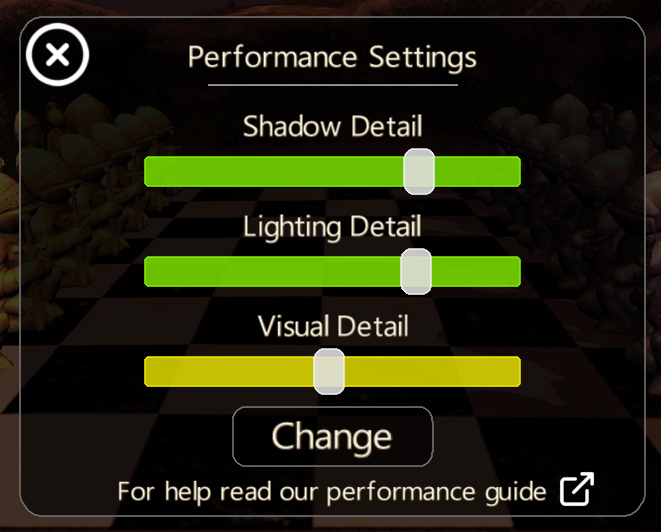
Shadow Detail
Some devices may have issues with Shadow Buffering, if this is the case you lower the shadow quality using
the "Shadow Detail" slider. Fully left (red), will give basic shadows in-game, and fully right will give the
maximum shadow quality available.
Note: Even if the shadow quality is available the performance may still be slow, in which case you can drop
the quality until you are happy with the performance. Also the game will always start with minimal quality when 1st
installed or reset.
Light Detail
As with the shadows, you can change the lighting quality to improve performance.
Visual Detail
Some times the perfomance isn't affected by Shadow Quality, and can be affected by the
geometry calculation. By lowering this you will reduce the geometry and increase device performance.
For any other questions or technical help contact us at support@AfterDarkStudios.co.uk.
Happy Gaming!